Tips & FAQs
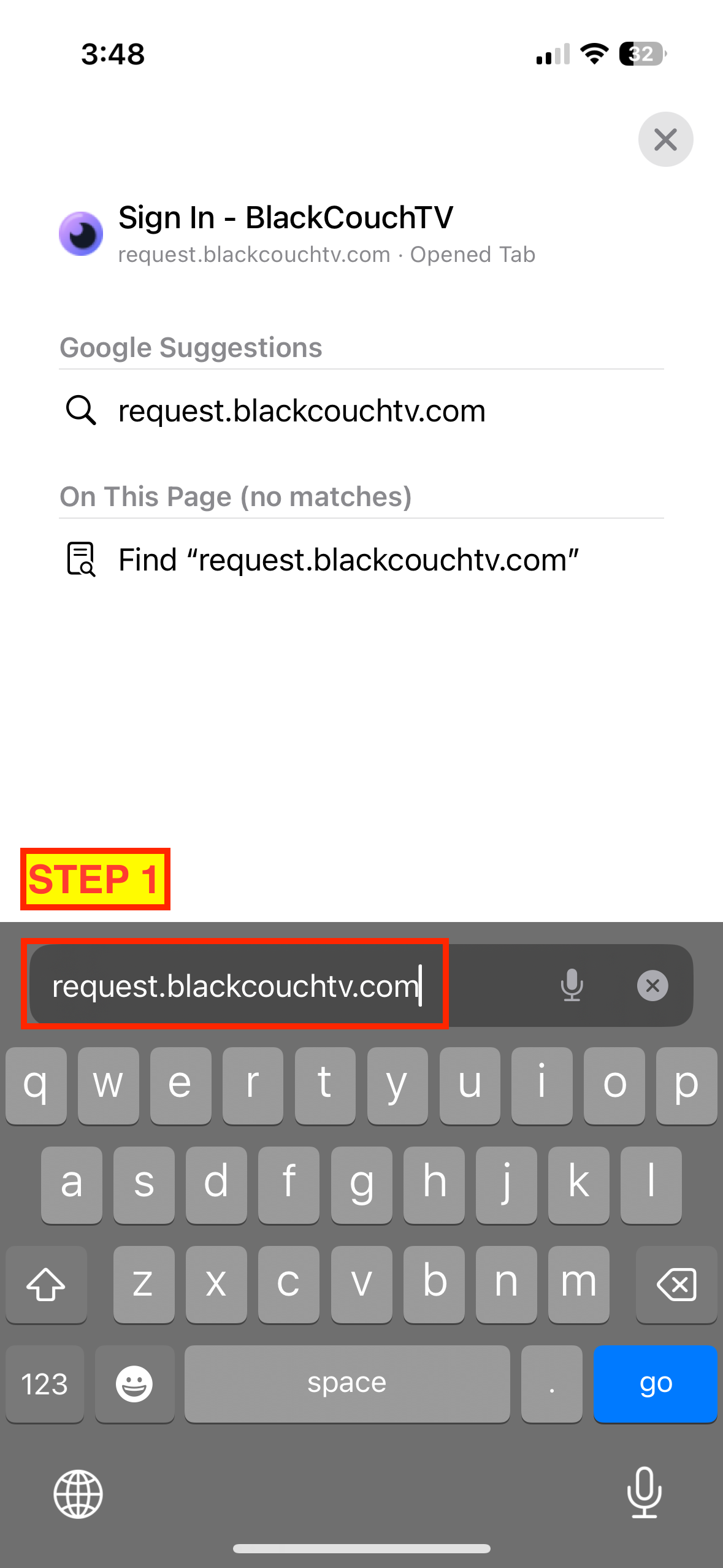
🤳 Add the content request app to your phone
⚠️ We highly recommend you do this for the best experience. While you can always make requests from a web browser, it's much easier to do it on your phone as an app.
iPhone Instructions:
- Using Safari, navigate to request.blackcouchtv.com on your iPhone.
- Tap the share button ⬆️ on the bottom of your screen.
- Tap “Add to Home Screen”.
Android Instructions:
- Using Chrome, navigate to request.blackcouchtv.com on your Android phone.
- Press the "three dot" icon in the upper right to open the menu.
- Select "Add to Home screen", followed by the "Add" button in the popup.
Click here to watch a visual guide (iPhone) ✨
🙈 Why do some content requests not work?
The content you requested might not be available because it is either
- too new (only available in theaters)
- too old (from 1975)
- too niche (hipster indie film from Singapore)
- If you think something may be wrong, just reach out to us.
- after donating, we send you an automated email with support info
NOTE: Digital/streaming premieres may not be available on BlackCouchTV for up to 24 hours.
📱 How many devices can be used per account?
You can use up to two (2) devices to watch content at the same time when logged into the same Plex account. Unfortunately, this limit cannot be adjusted for now.
💌 How can I get support or contact the team?
If you need help, reach out via email to steve@blackcouchtv.com. BlackCouchTV is operated by a small team but we'll generally try to get back to you as quickly as possible, please be patient 🙏.
❌ How do I cancel my account?
Please refer to the original welcome email you received from steve@blackcouchtv.com for instructions. If you lost that email or need help, feel free to reach out.